Setup
Follow the steps in Guide #1 and #4 to- Create a new project
- Upload this page
- Select it for takeoff
- Prep the page
Create legend
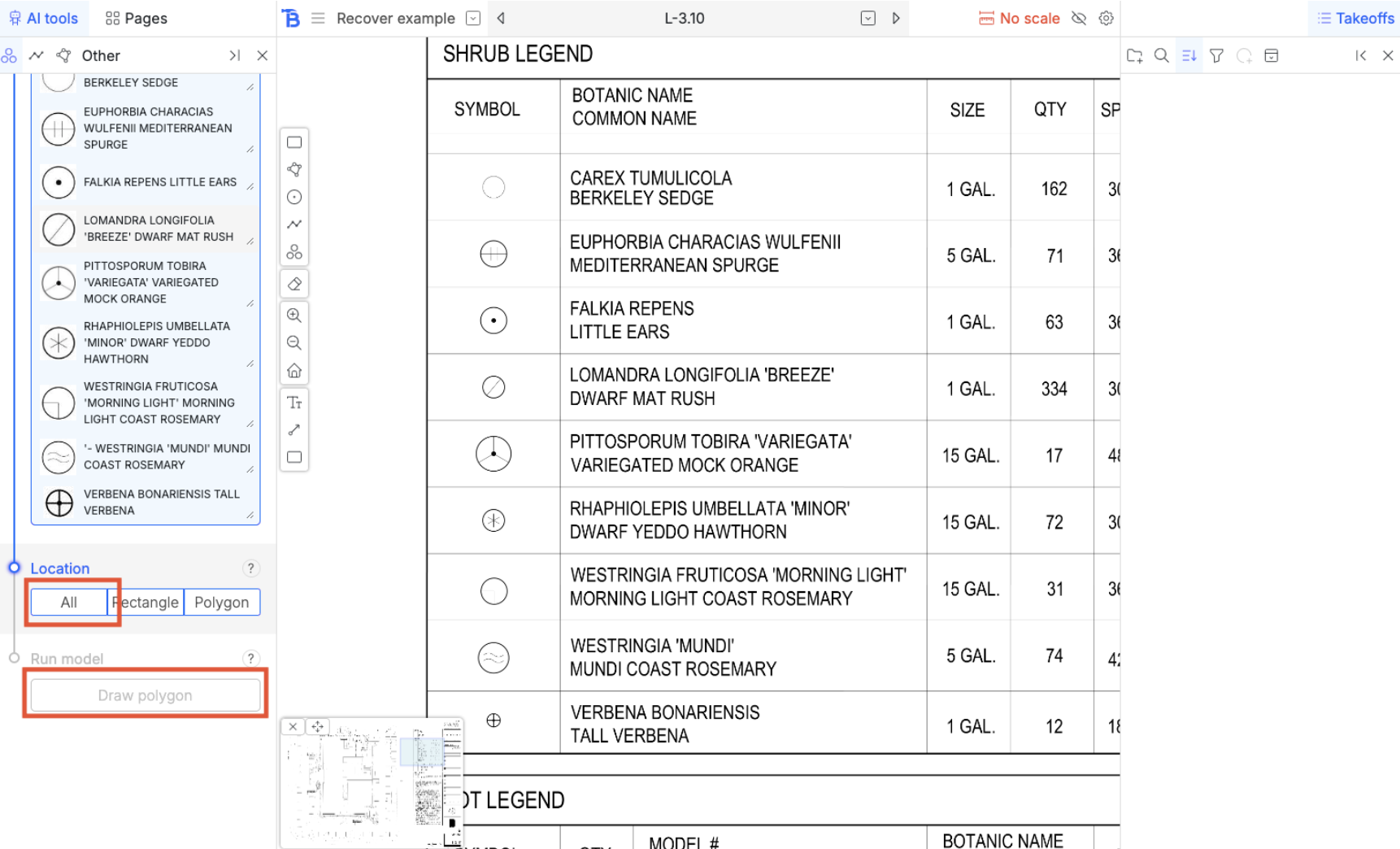
For the sake of this example we are going to populate the legend with an area we draw out manually.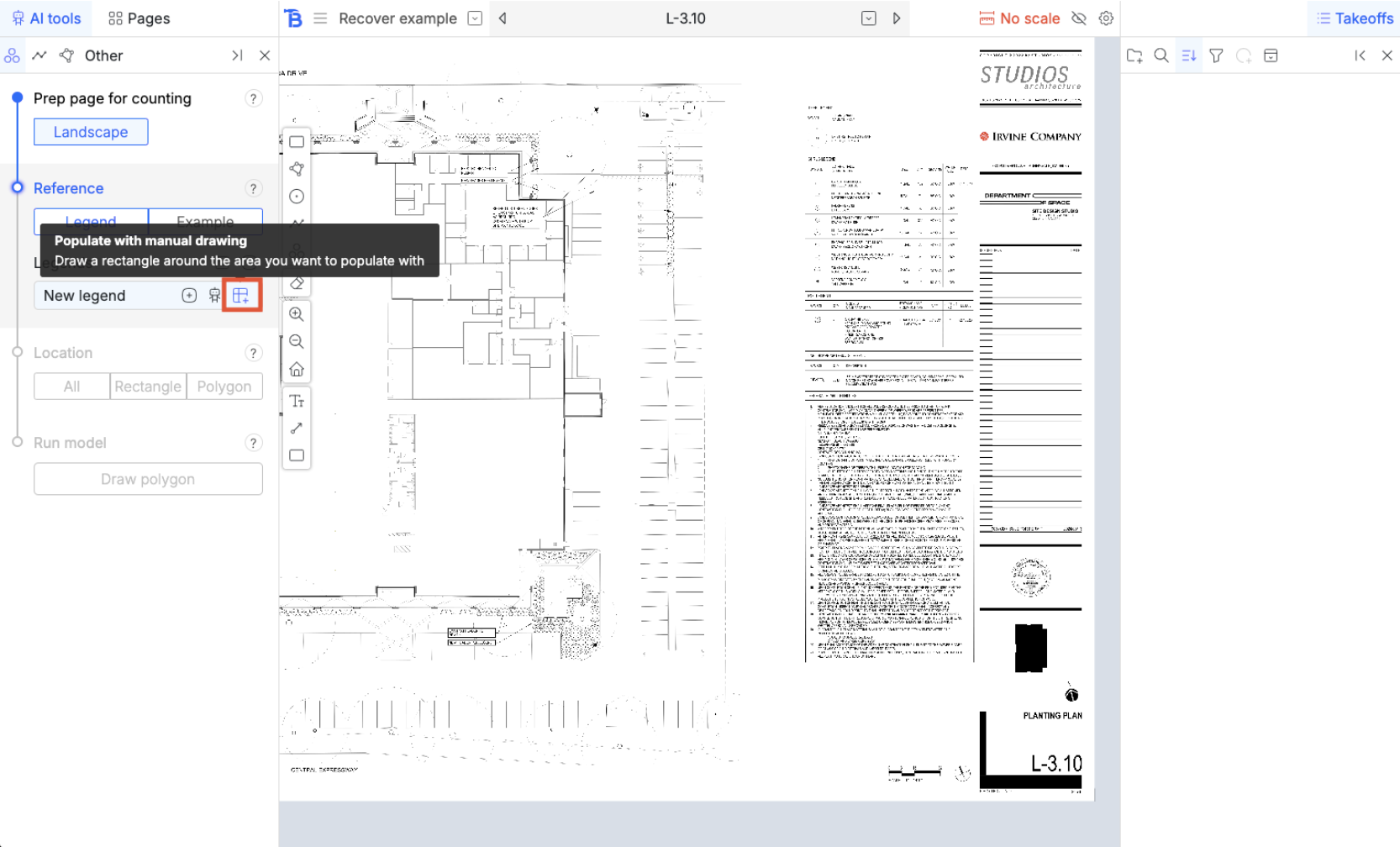
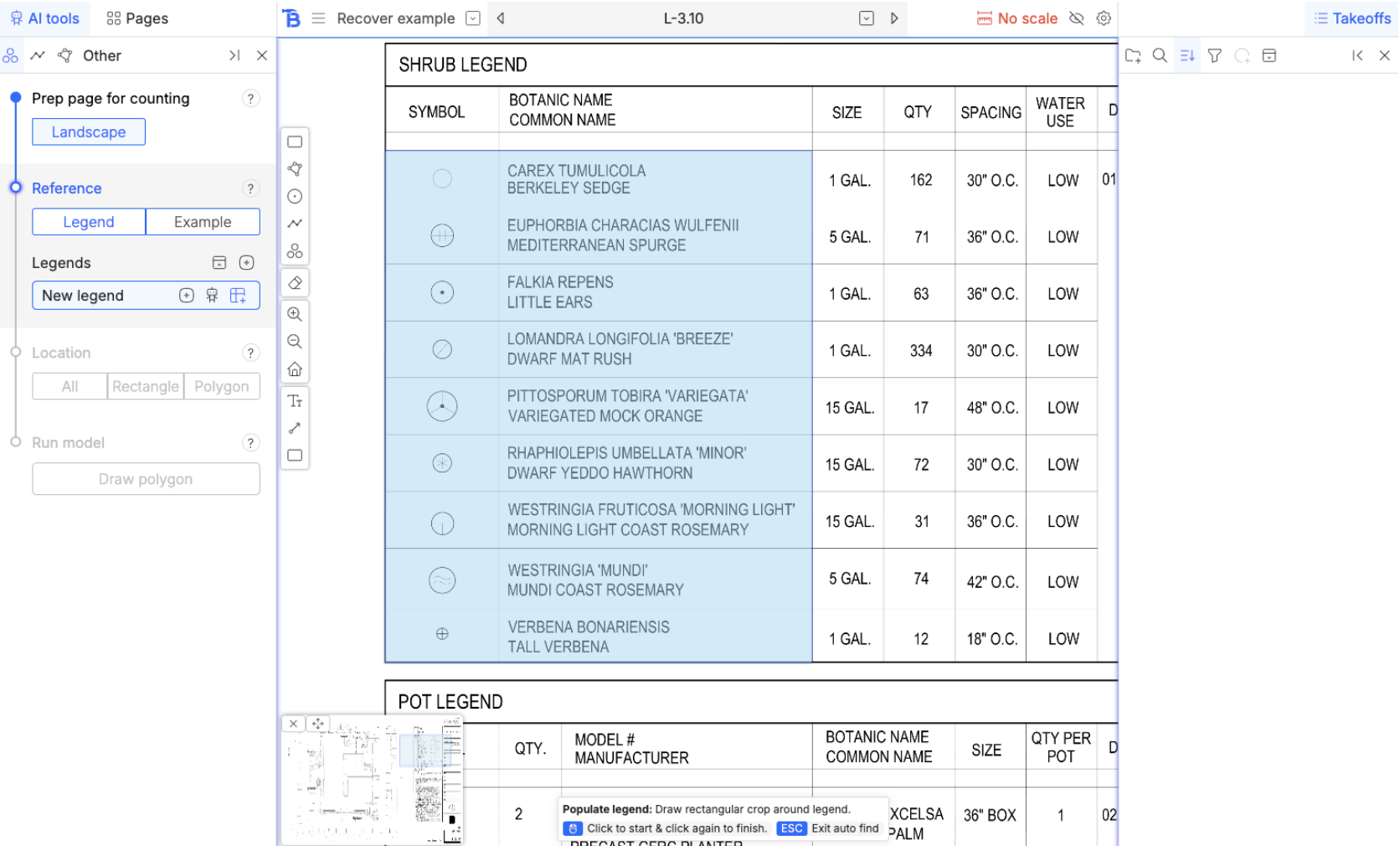
Run model
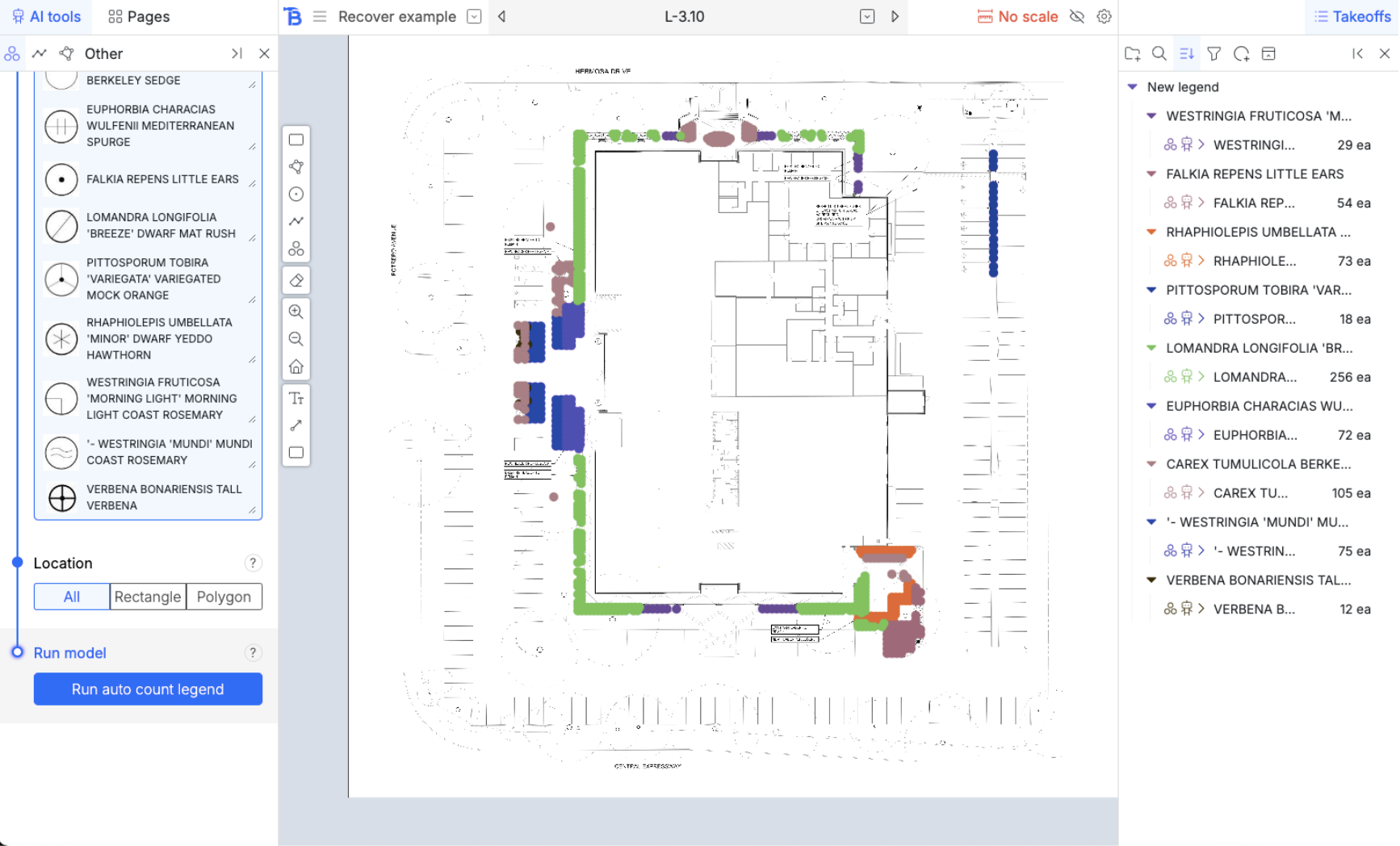
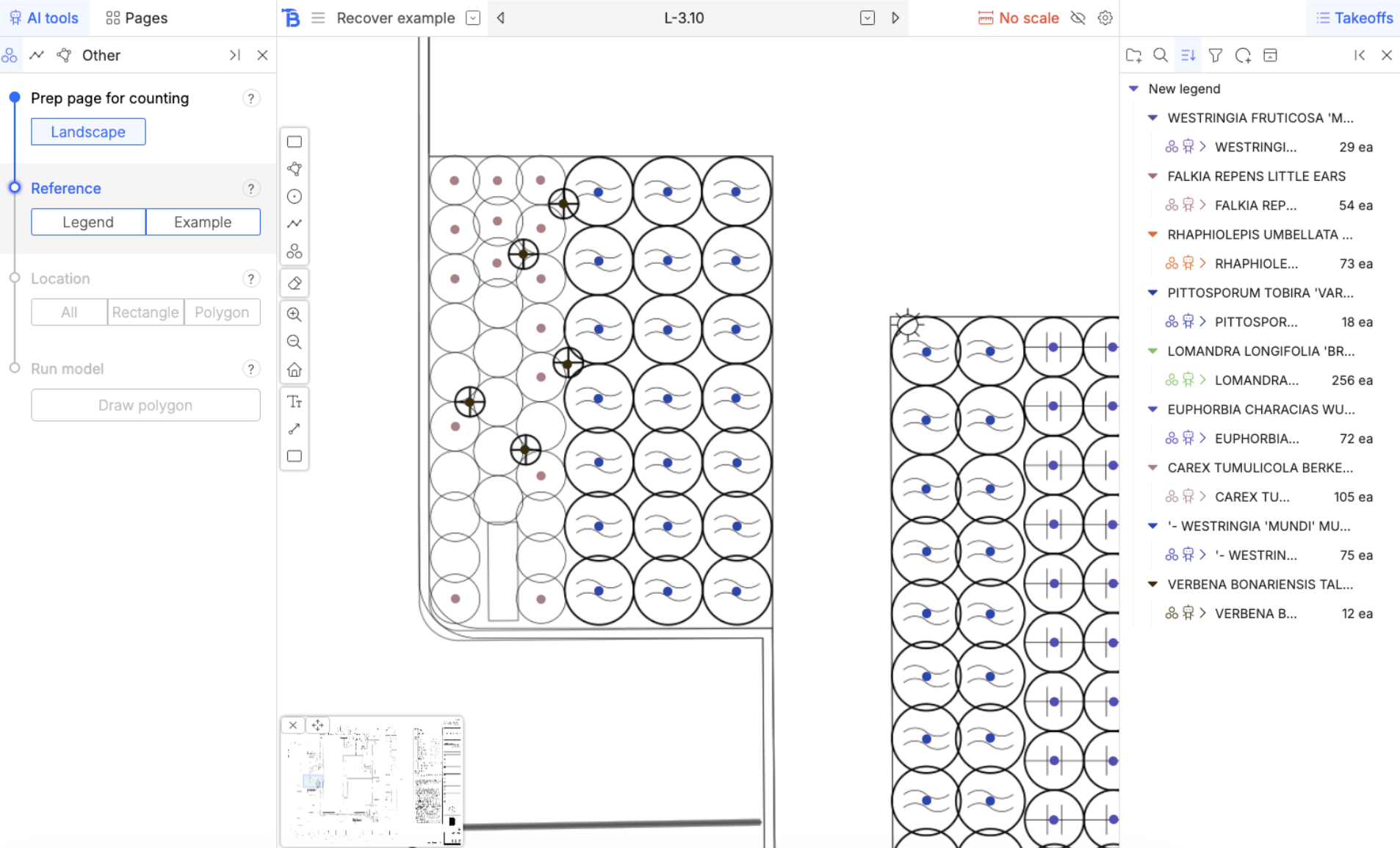
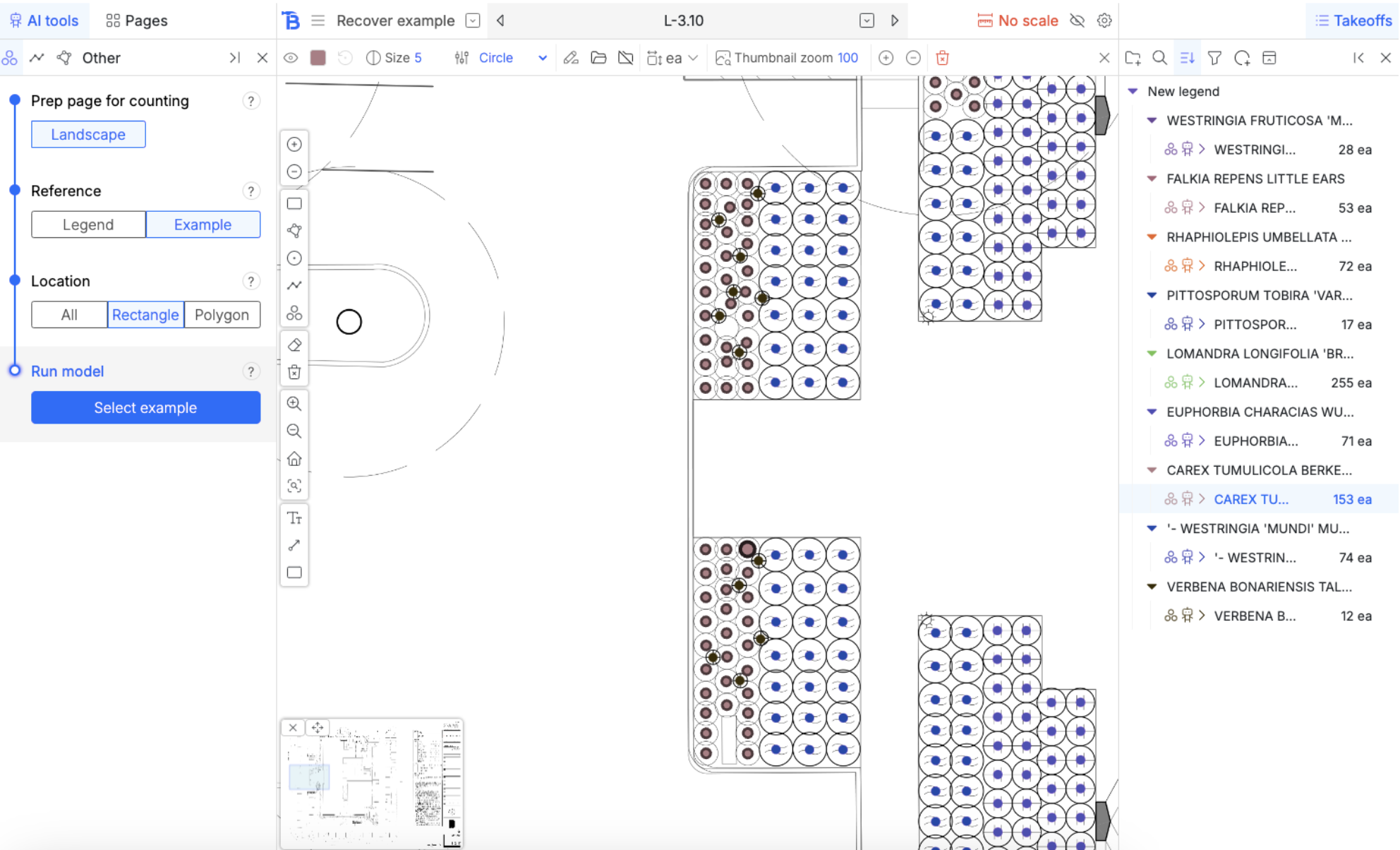
‘Example’ auto count
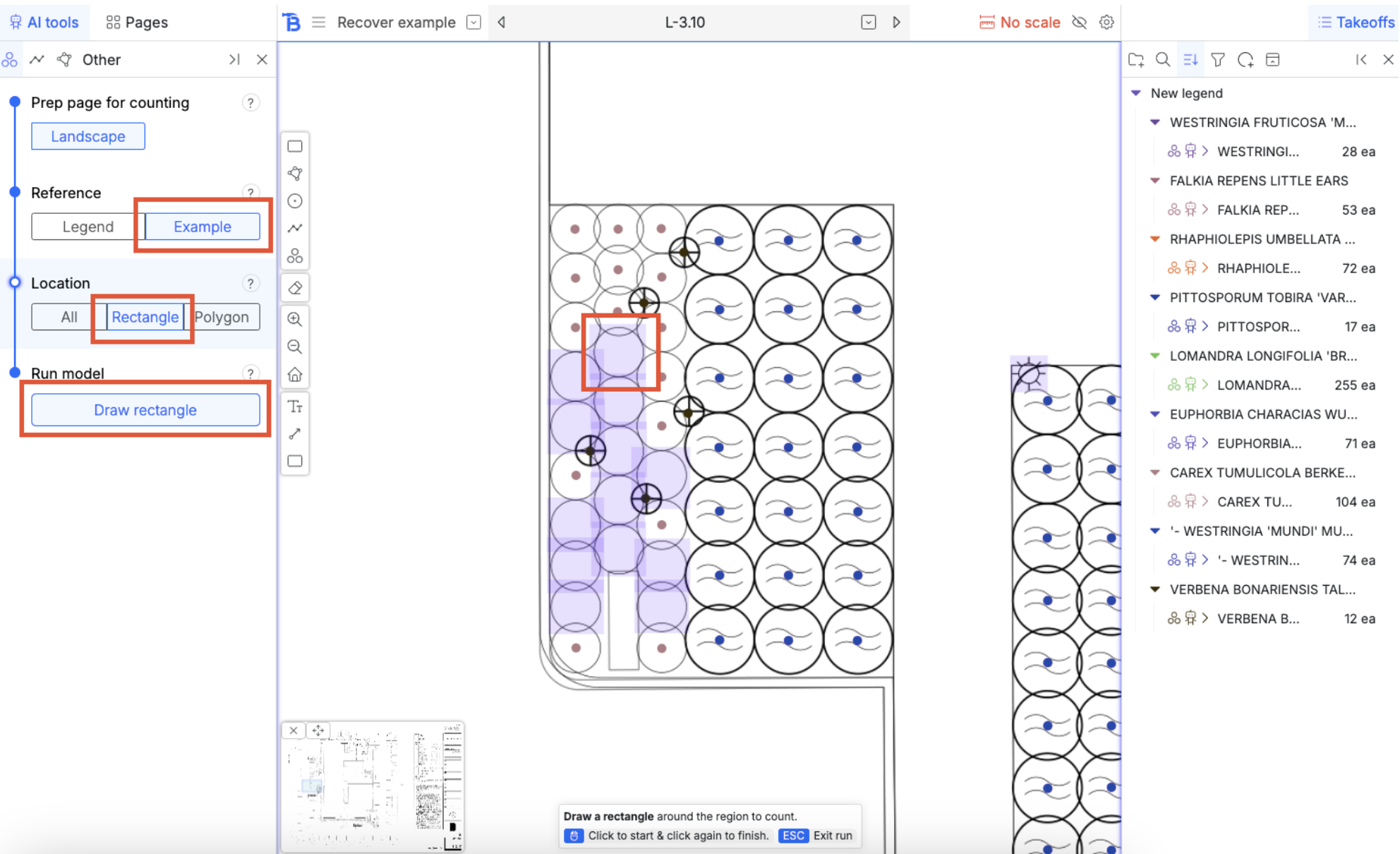
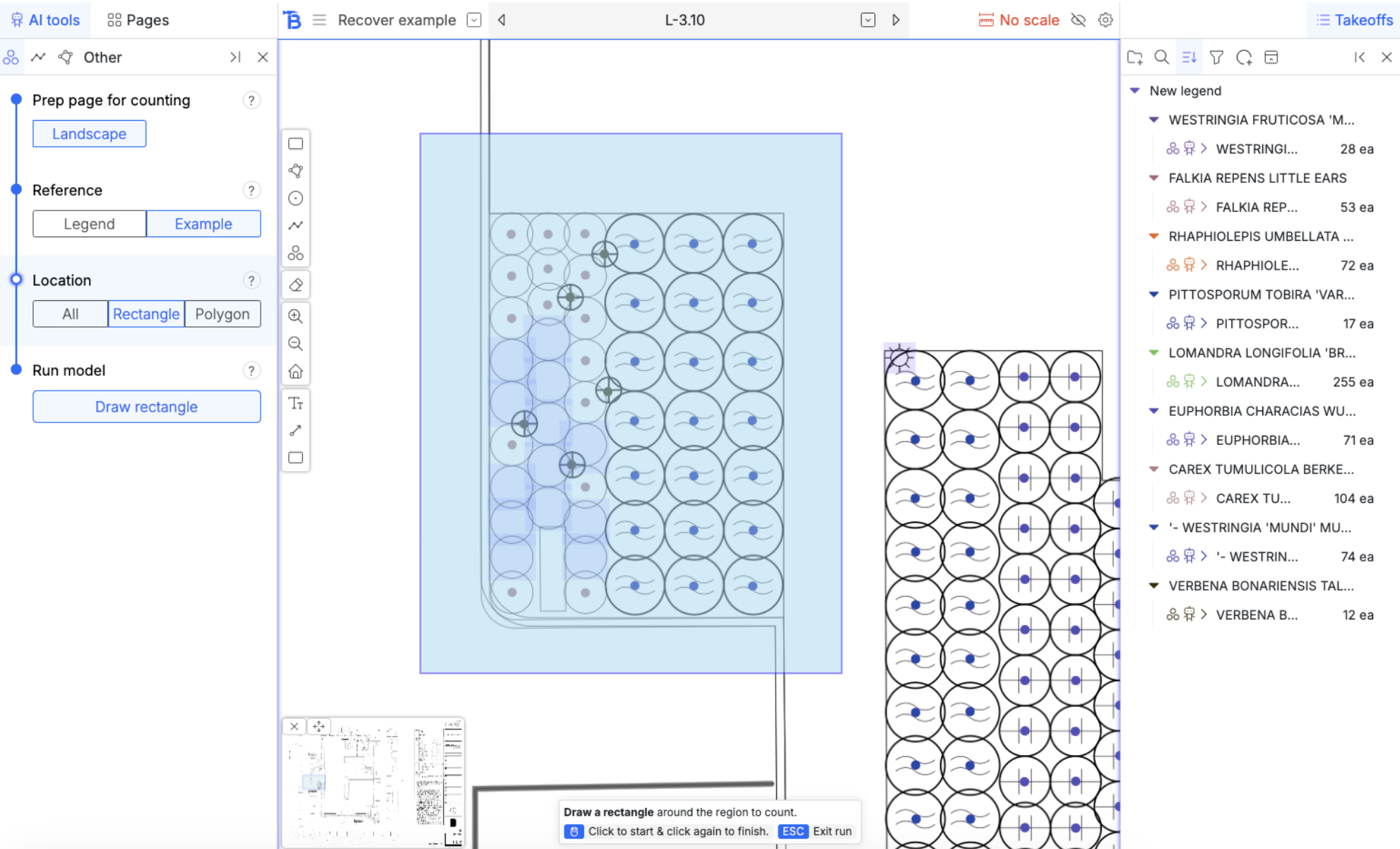
- Choose ‘Example’ and ‘Rectangle’
- Then hit run model
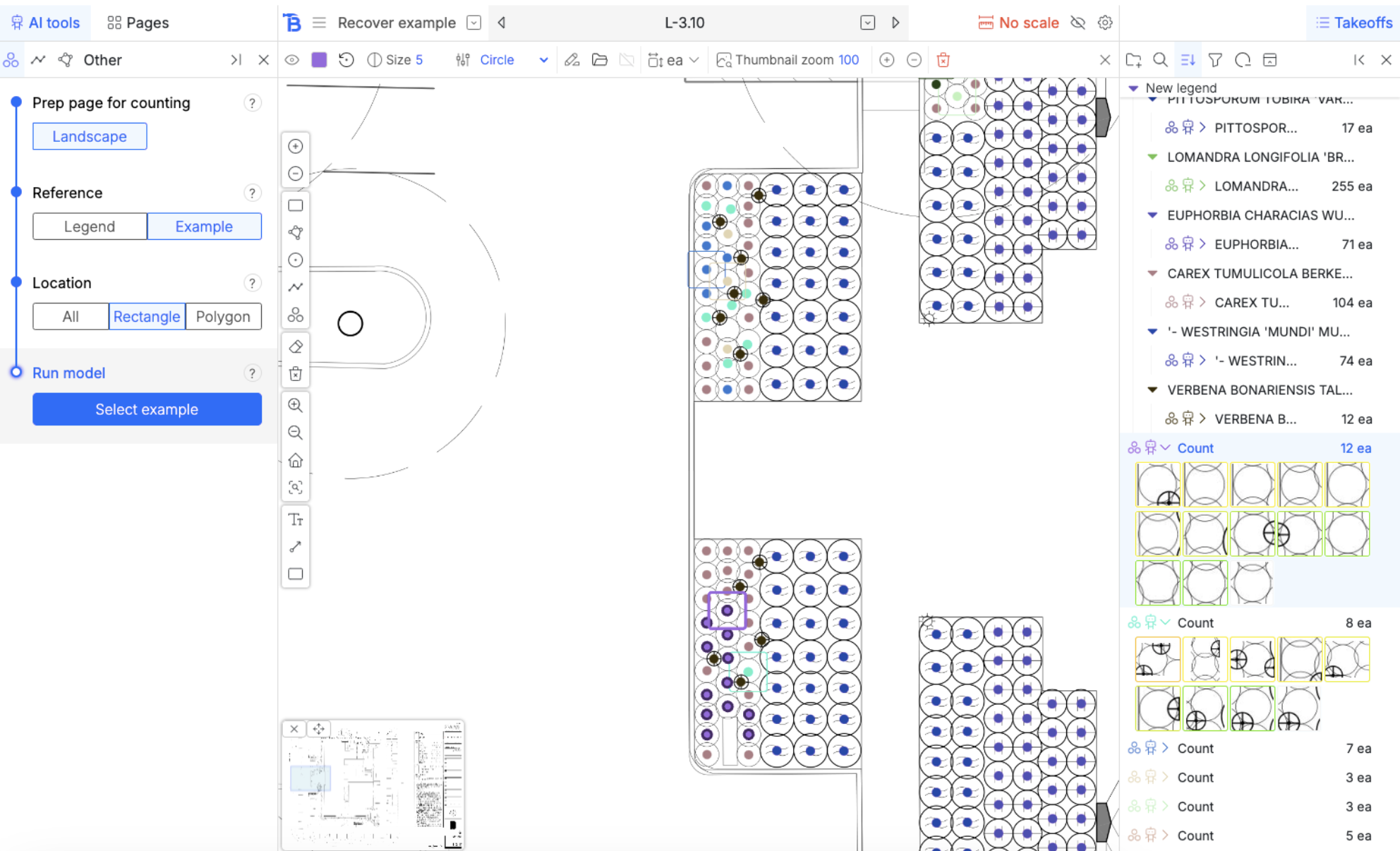
- Choose a symbol that the model missed as the example
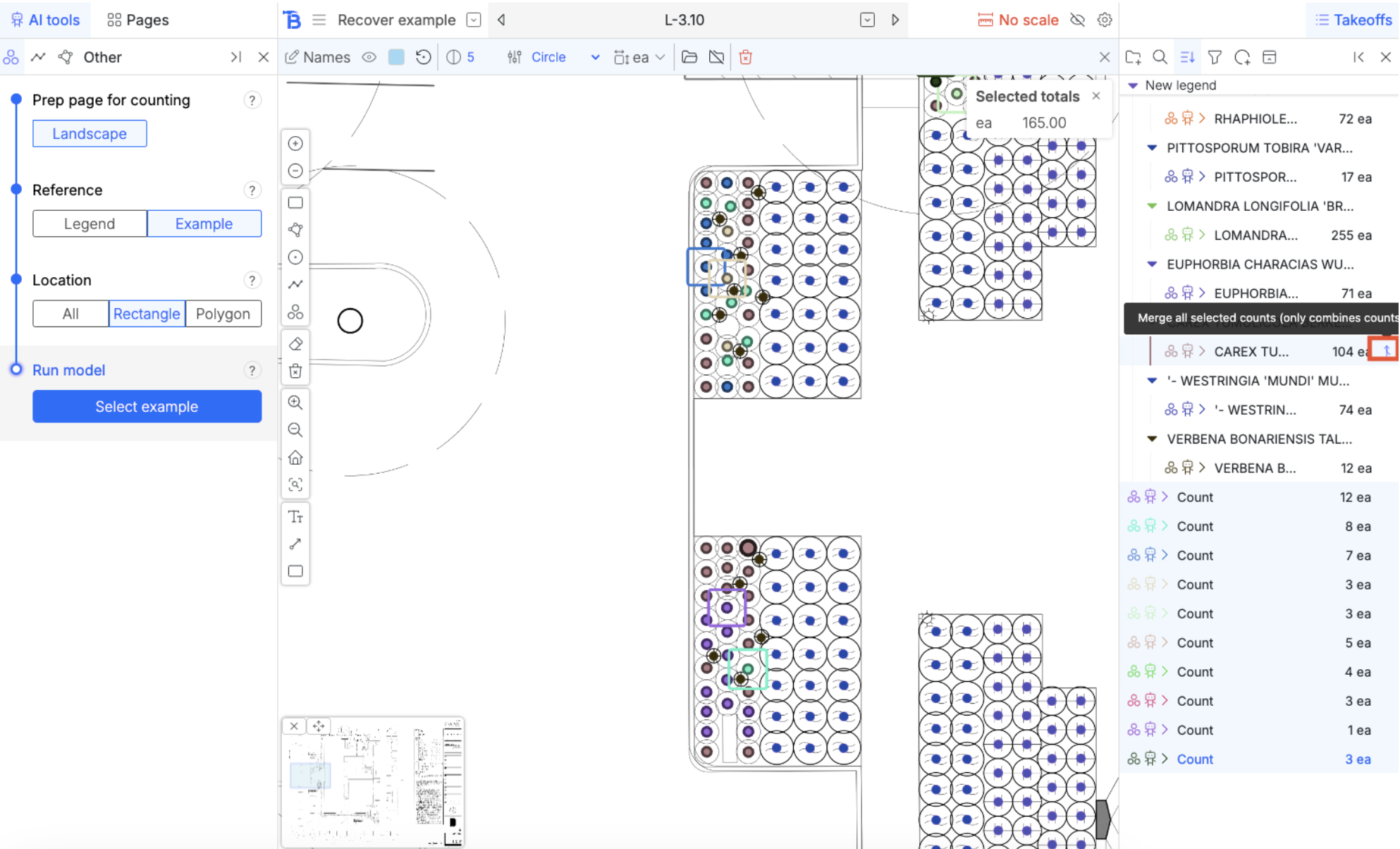
Merge counts
We’ve used the missing symbols as examples and now we have multiple line items for the same symbol. By holding down shift or control, multi-select them. When they are all selected, hovering over them reveals a merge button on the right hand side. This will merge all counts you have selected into that one.