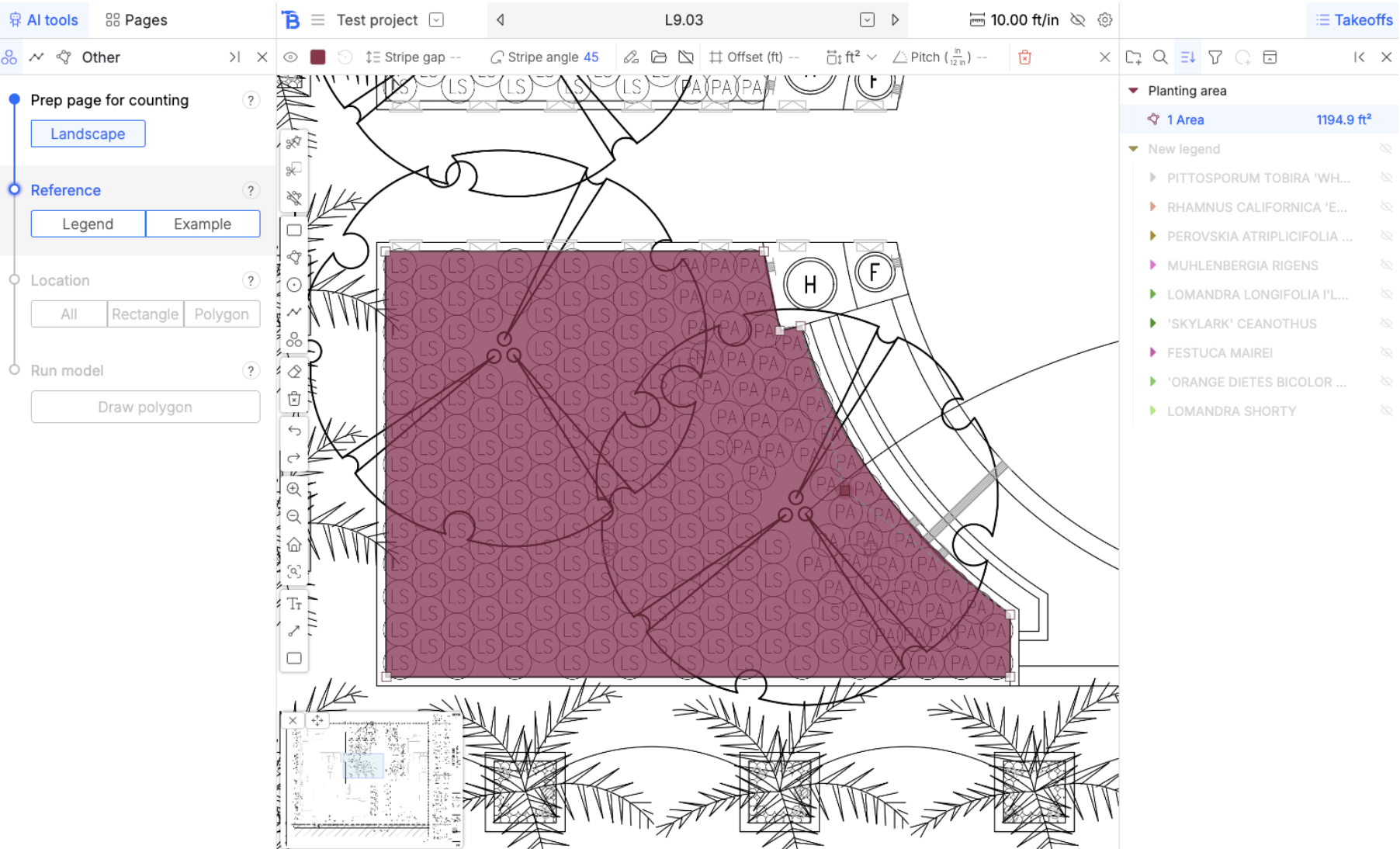
In this guide, we will a few manual takeoffs. Here’s the drawing so you can follow along exactly:
https://bobyard-public-images.s3.us-west-2.amazonaws.com/L9.03+-+PLANTING+PLAN_page-0001.jpg 
You can read more about the manual takeoff tools after the guide here.

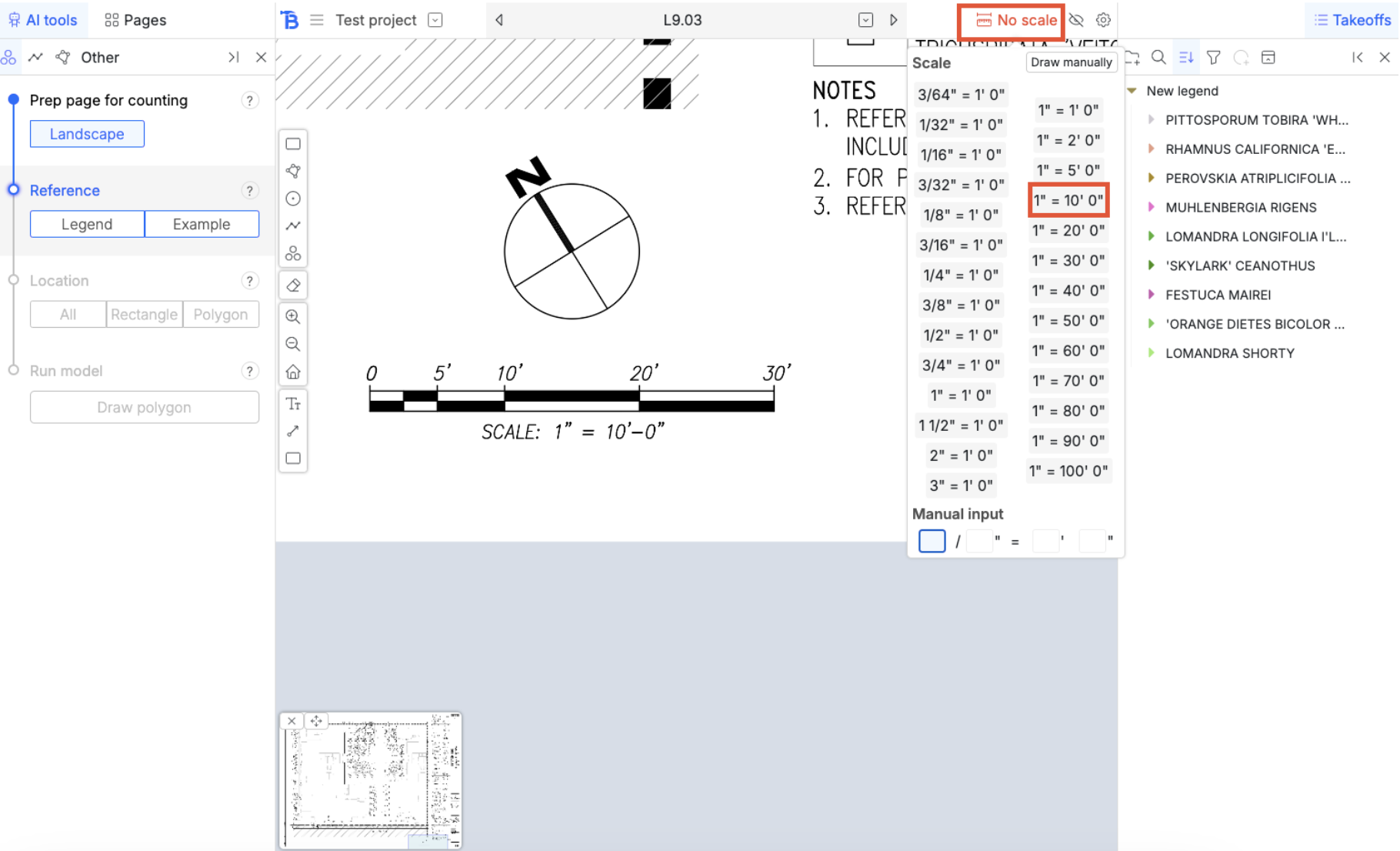
Scale

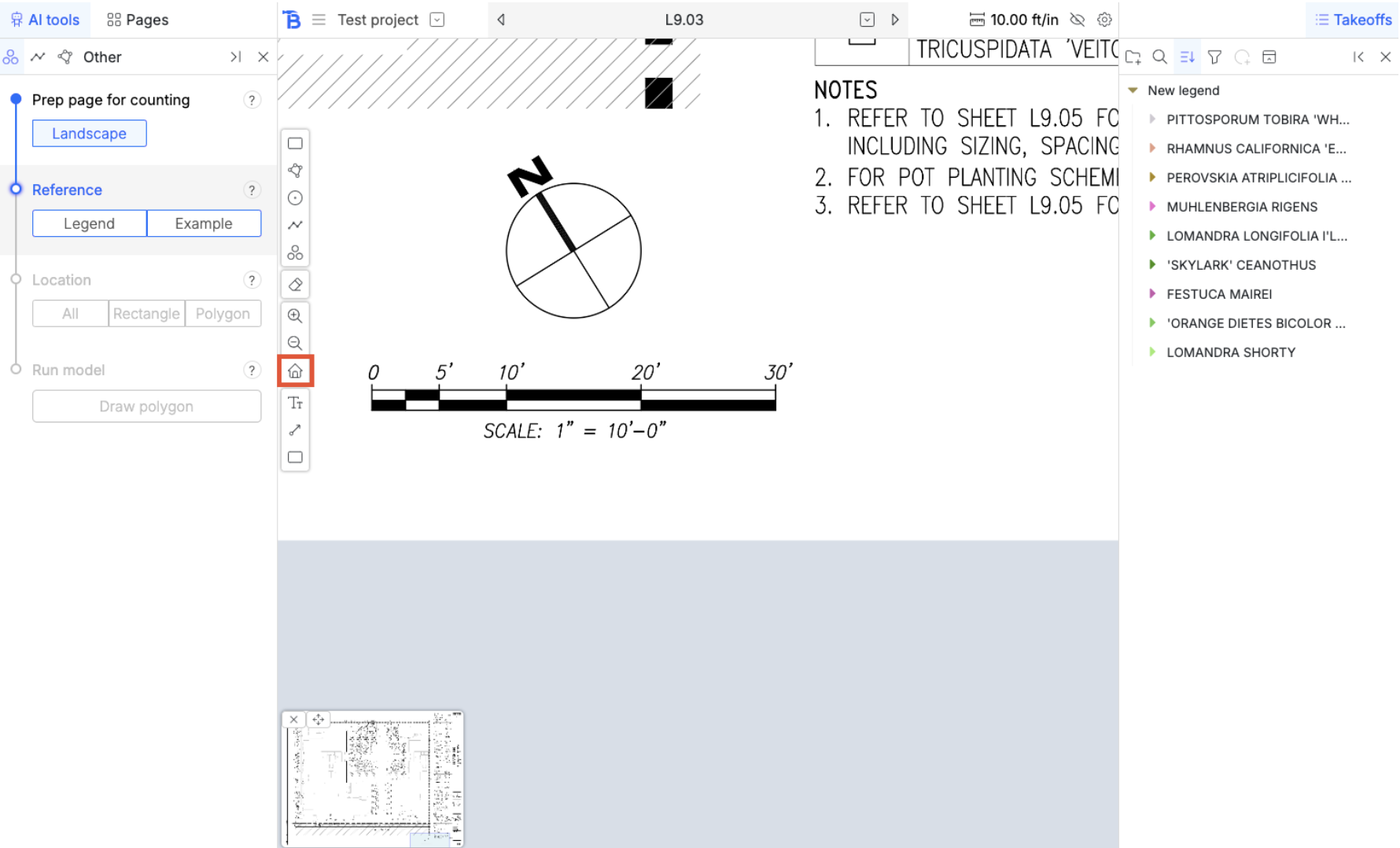
Zoom in and find the scale on the drawing. You can do this by pinching on the trackpad or using the zoom buttons on the bottom of your toolbar.
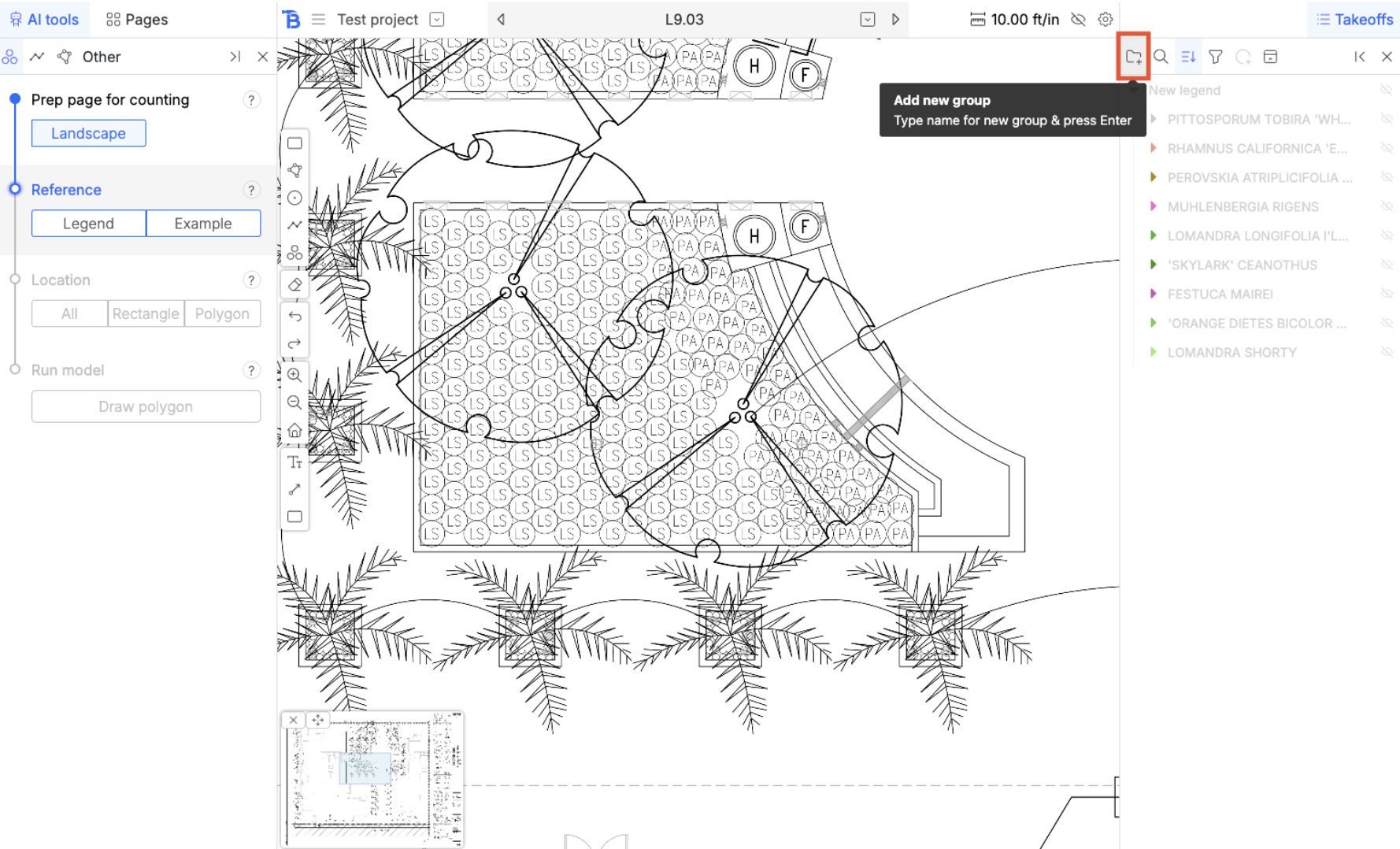
Groups

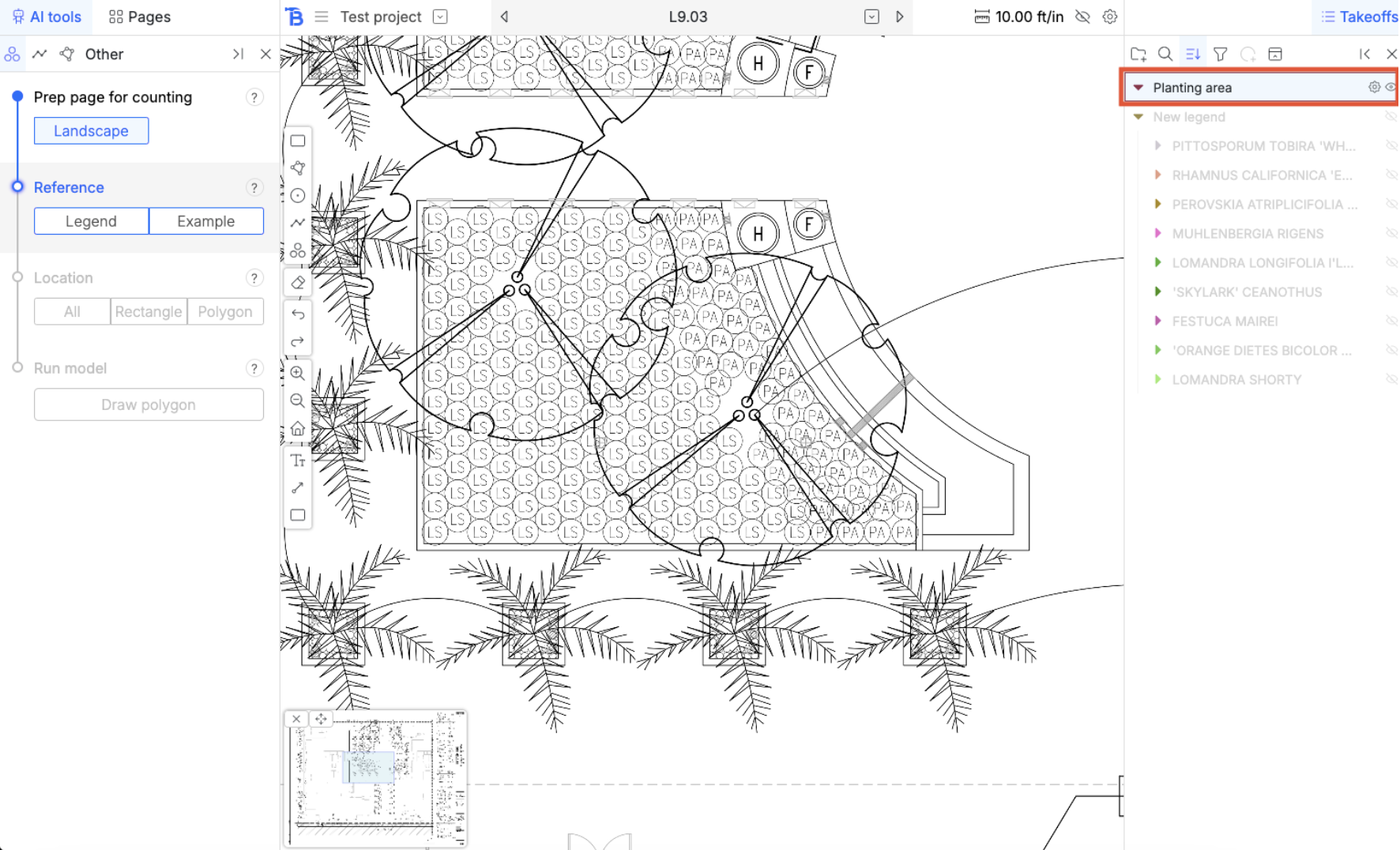
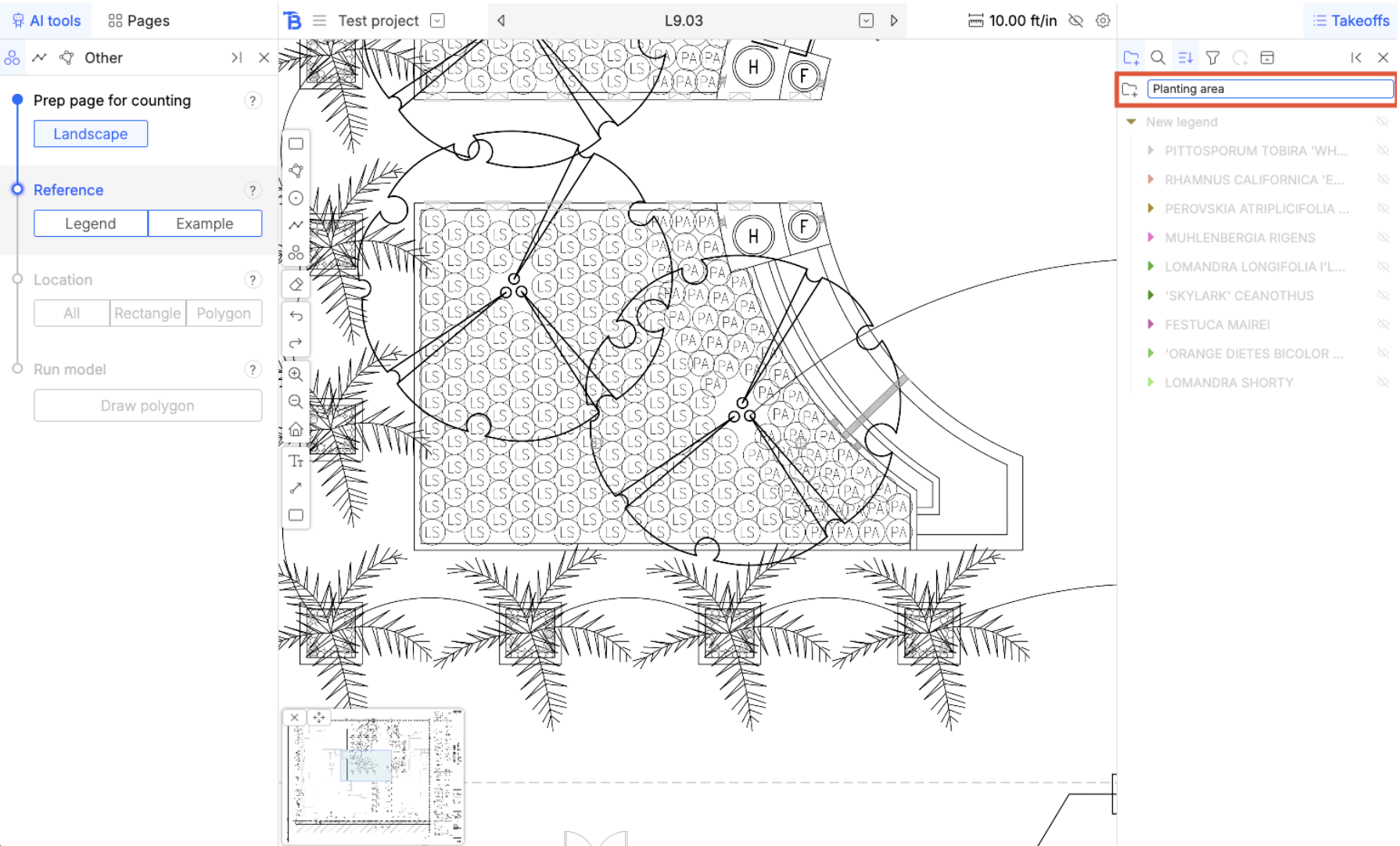
Lets create a new group. Name it ‘Planting area’ and then hit enter. Click on the group to select it for takeoff. Now, all measurements that you draw will go into that folder.
Visibility

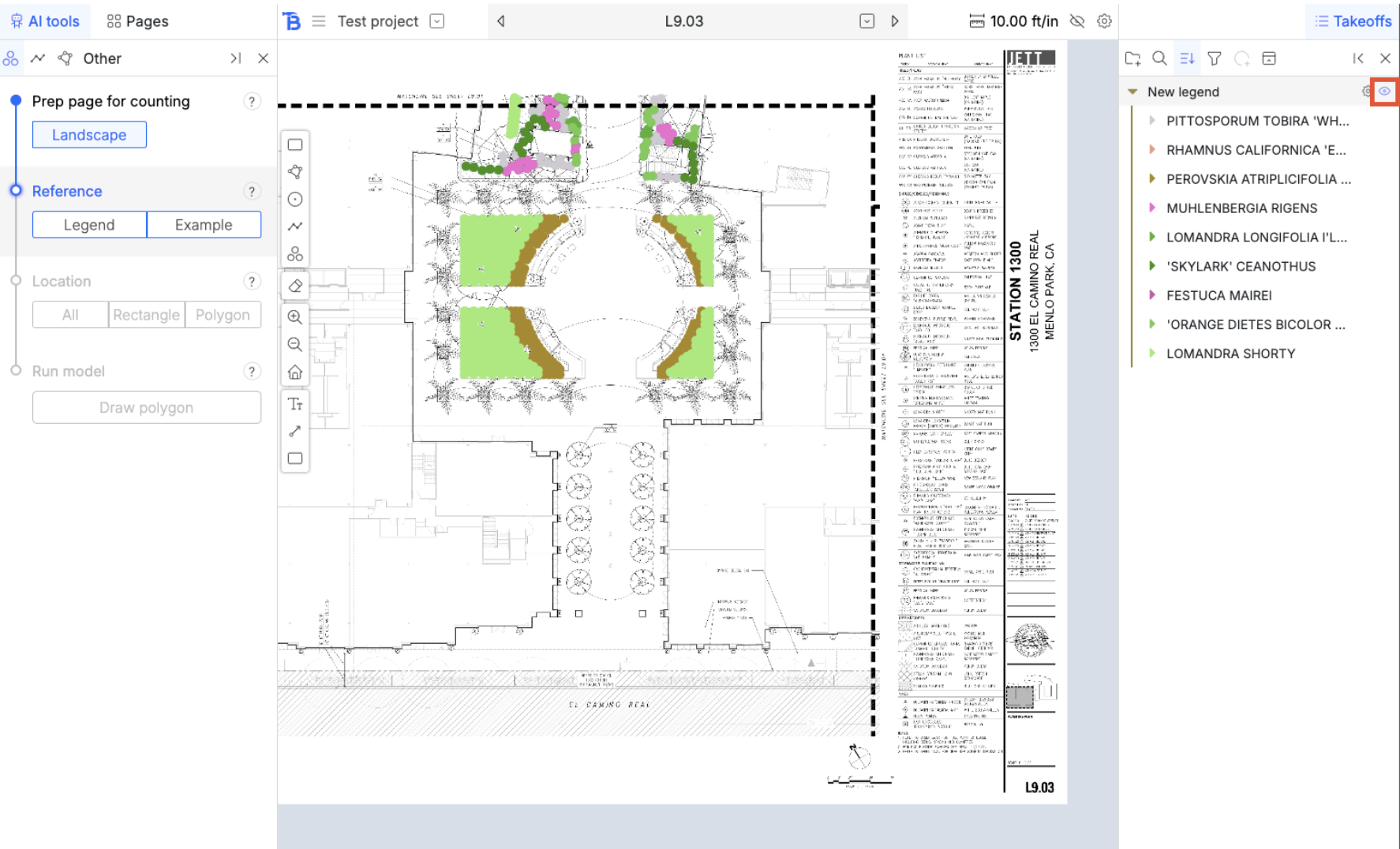
Click on the home button to reset view Hide measurements and folders by clicking on the eye icon.
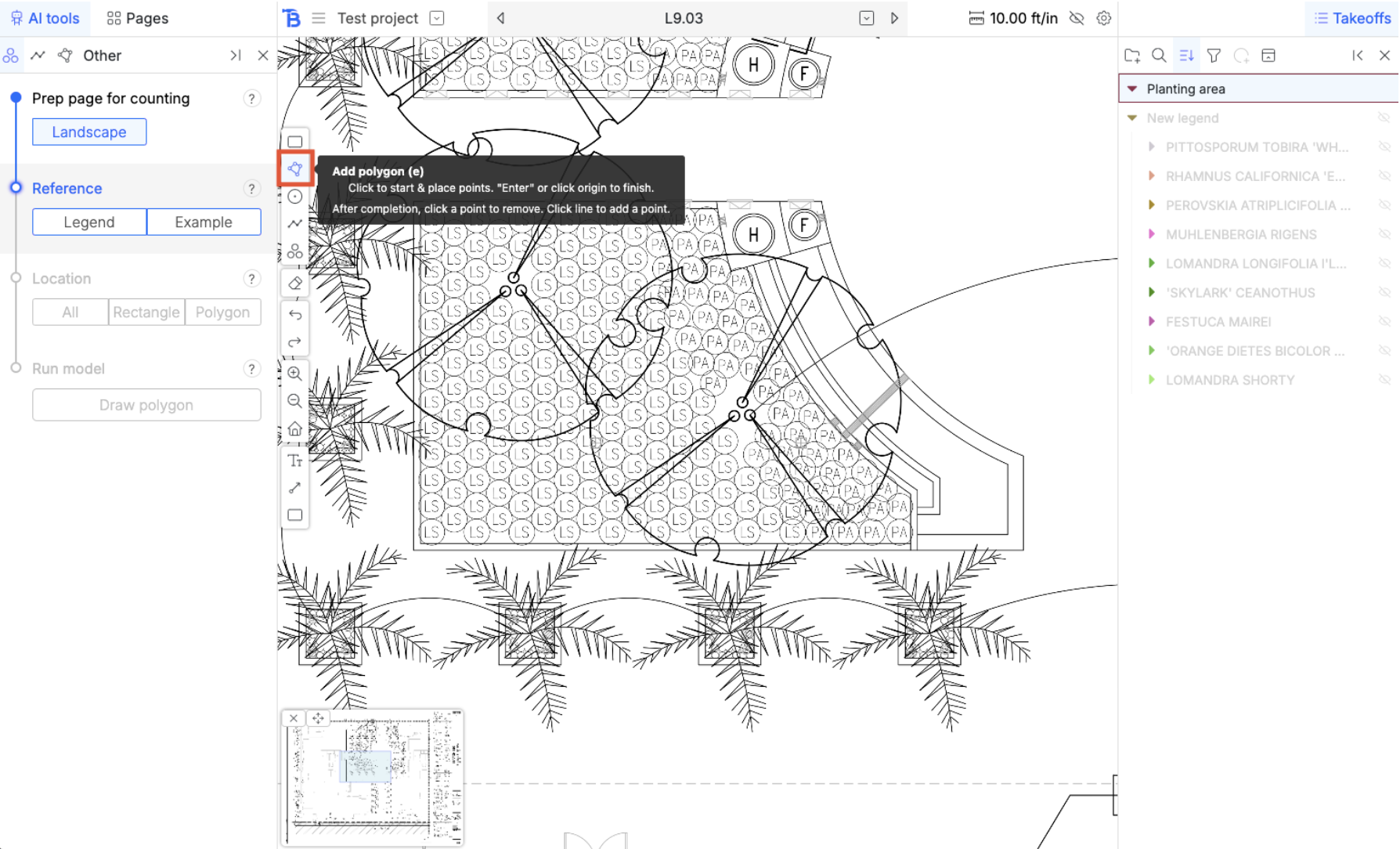
Polygon tool

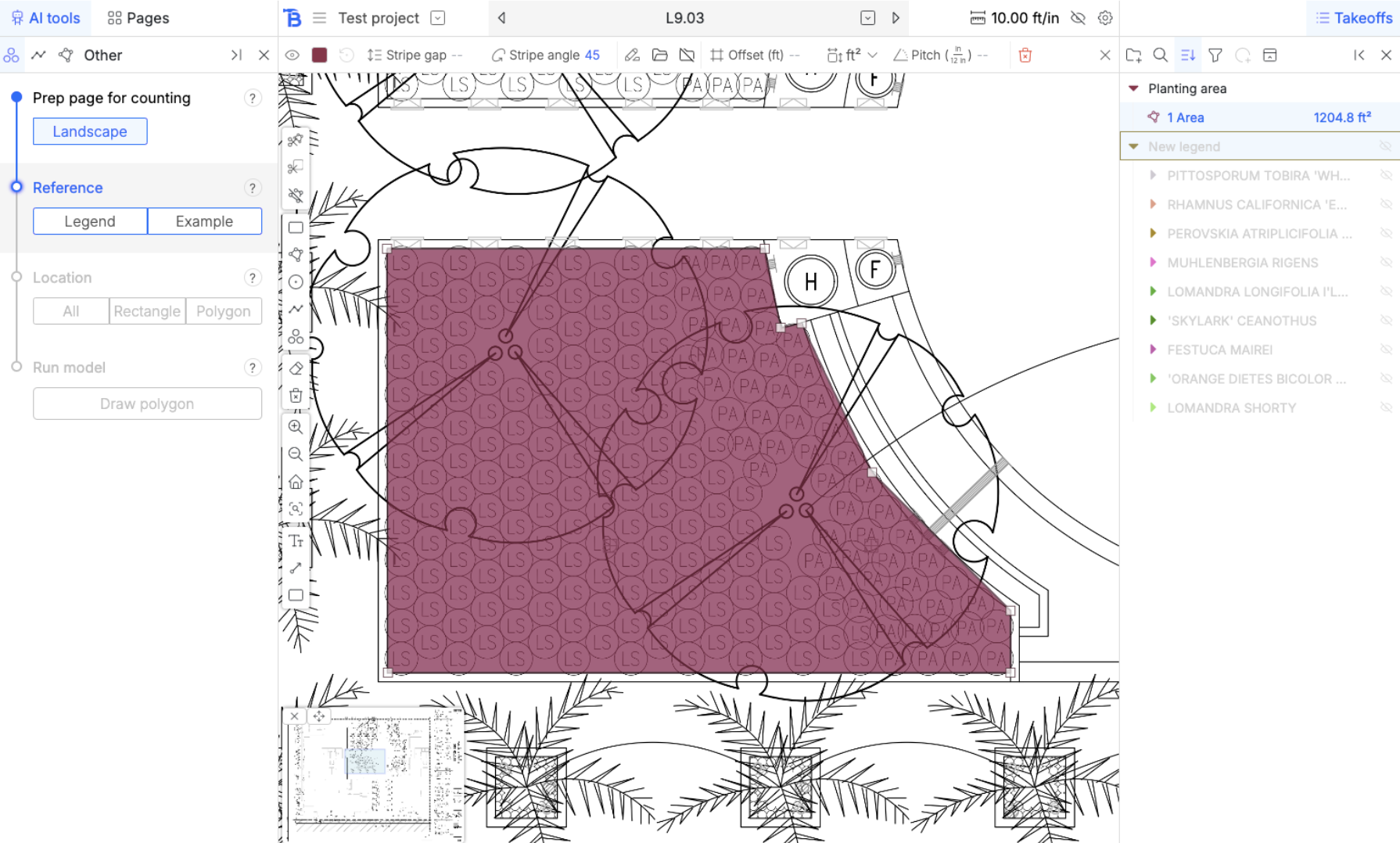
There is a slight curve, we are going to draw an arc.

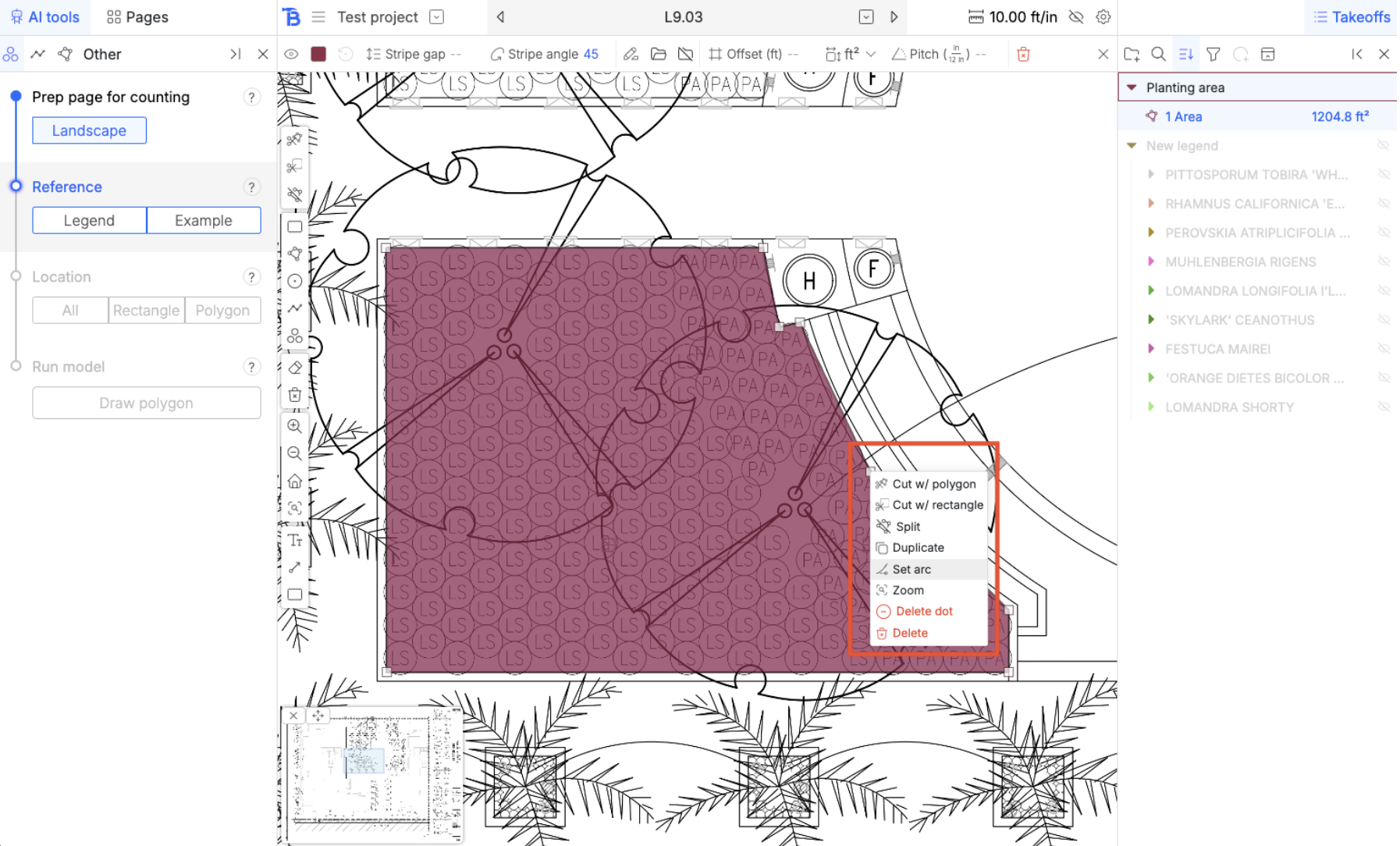
Polygon arcs

Right click on the vertex and a menu will popup for it. Set it to an arc. Drag the arc into the polygon to create this curve.