OC points
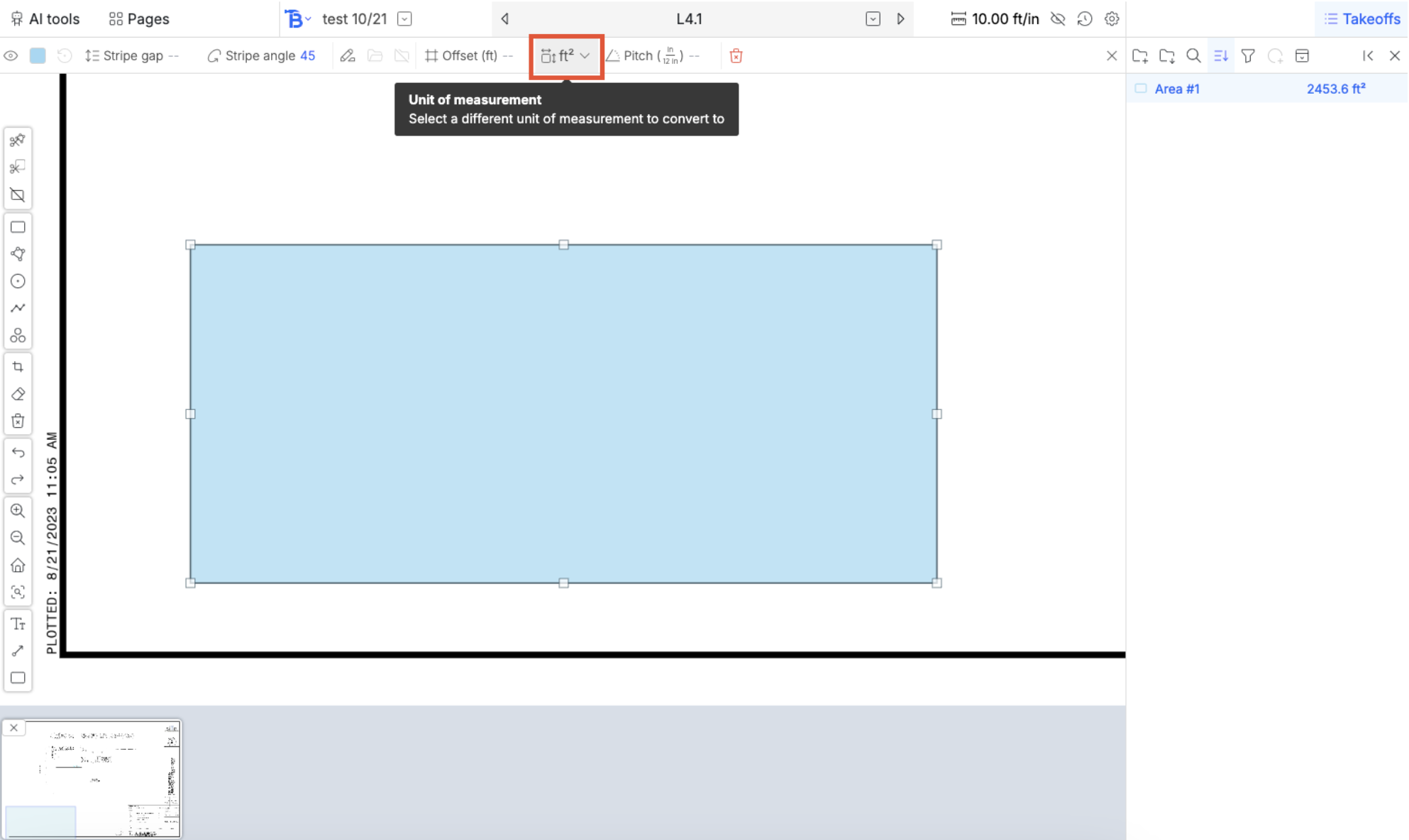
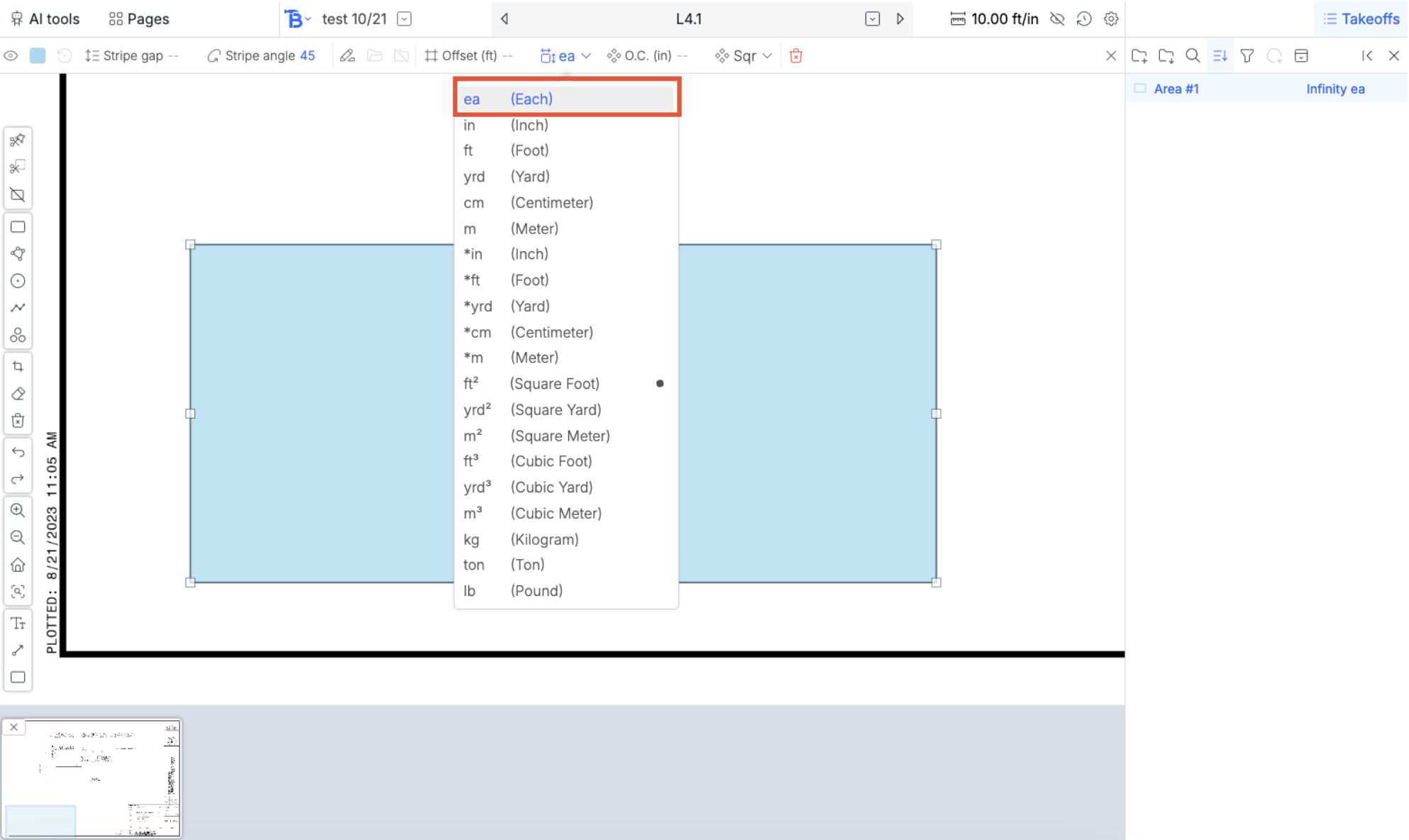
Converting an area (rectangle, polygon, or circle) to counts (ea), requires an O.C. value. After typing in an O.C. value, you can see a render of the visualization of the points. The measurement in the takeoff sidebar on the right hand side also now shows 613 ea instead of an area.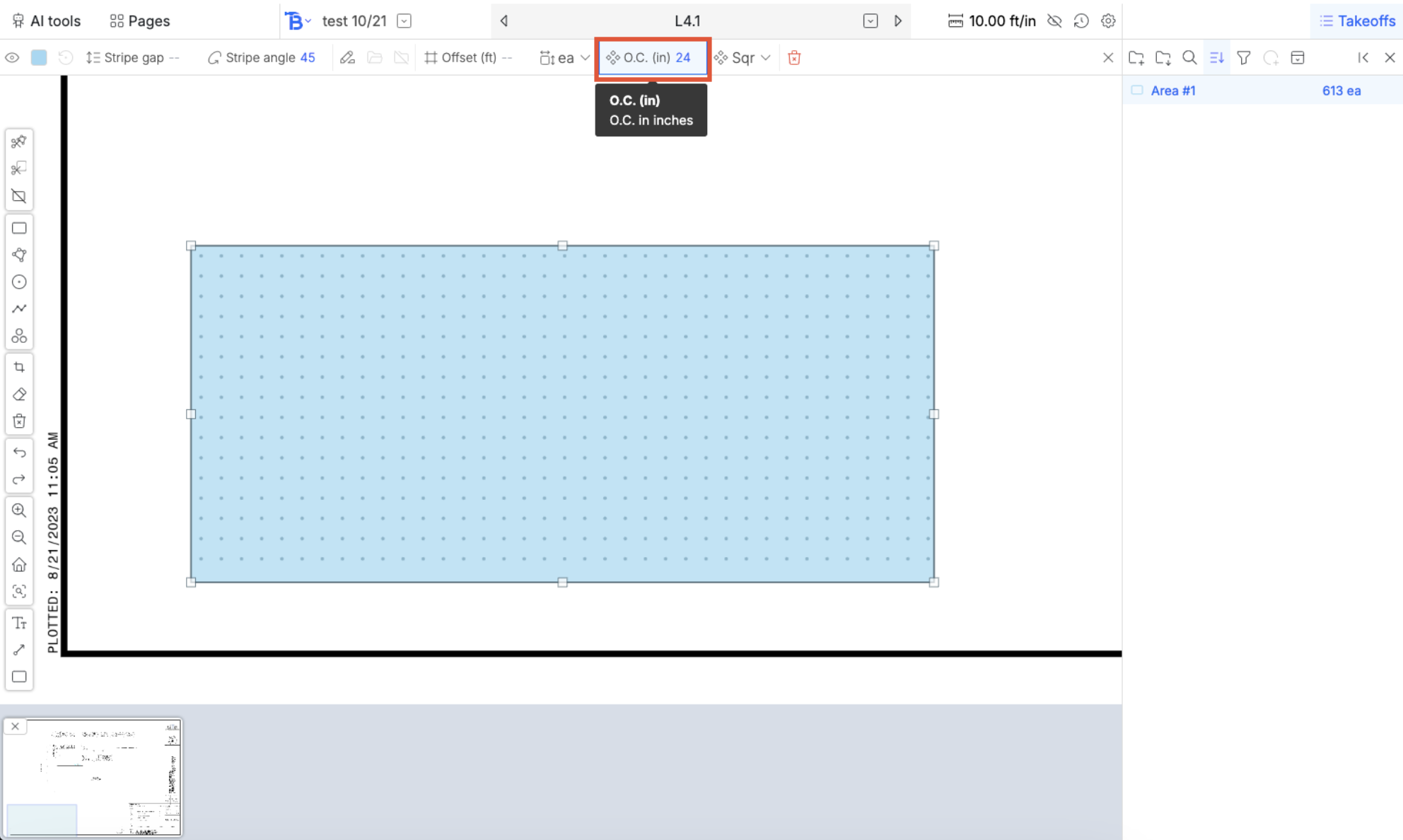
OC points for lengths
Converting a length to a count also works in the same way.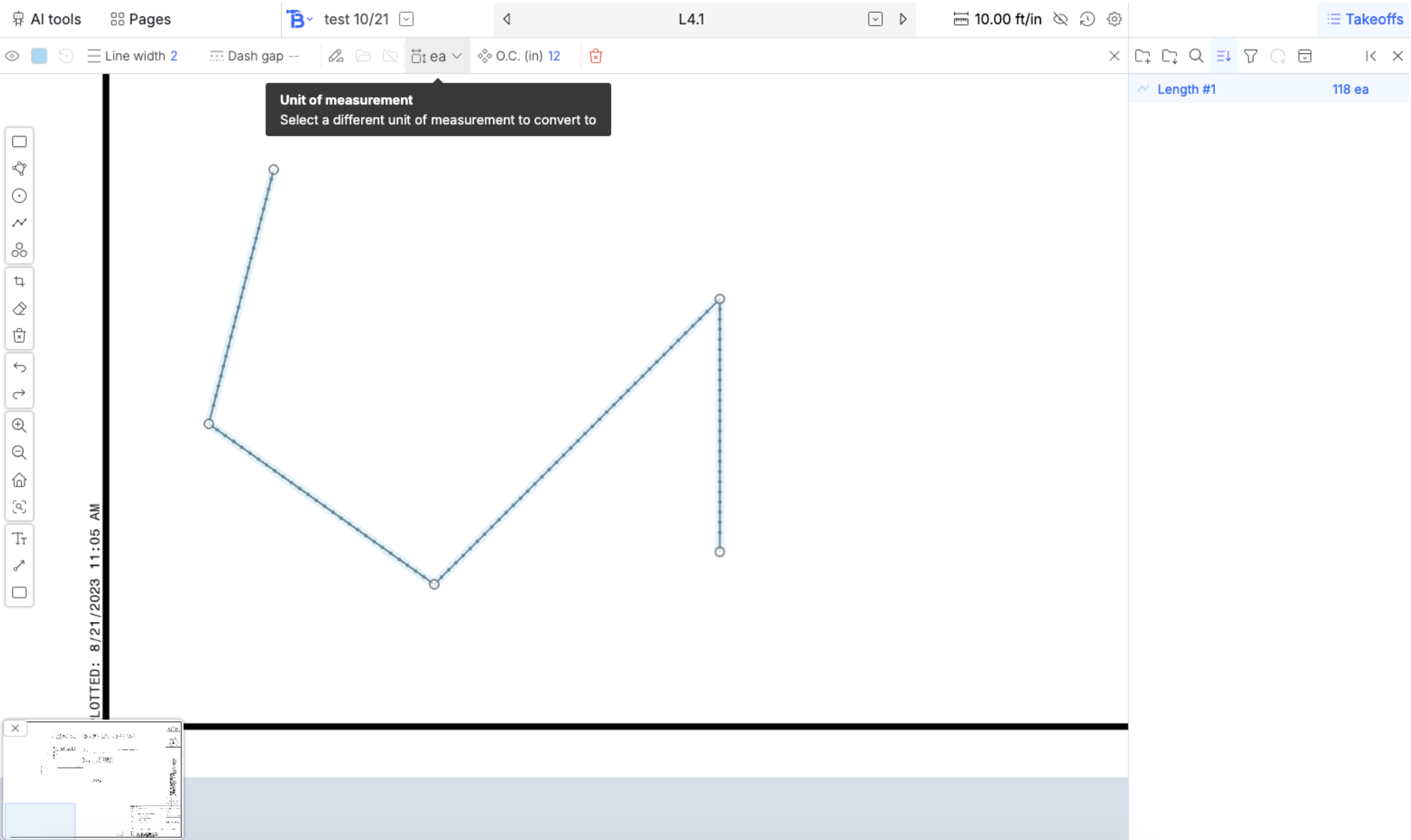
OC lines
Converting an area to a length results in renders of lines across the shape (great for drip lines).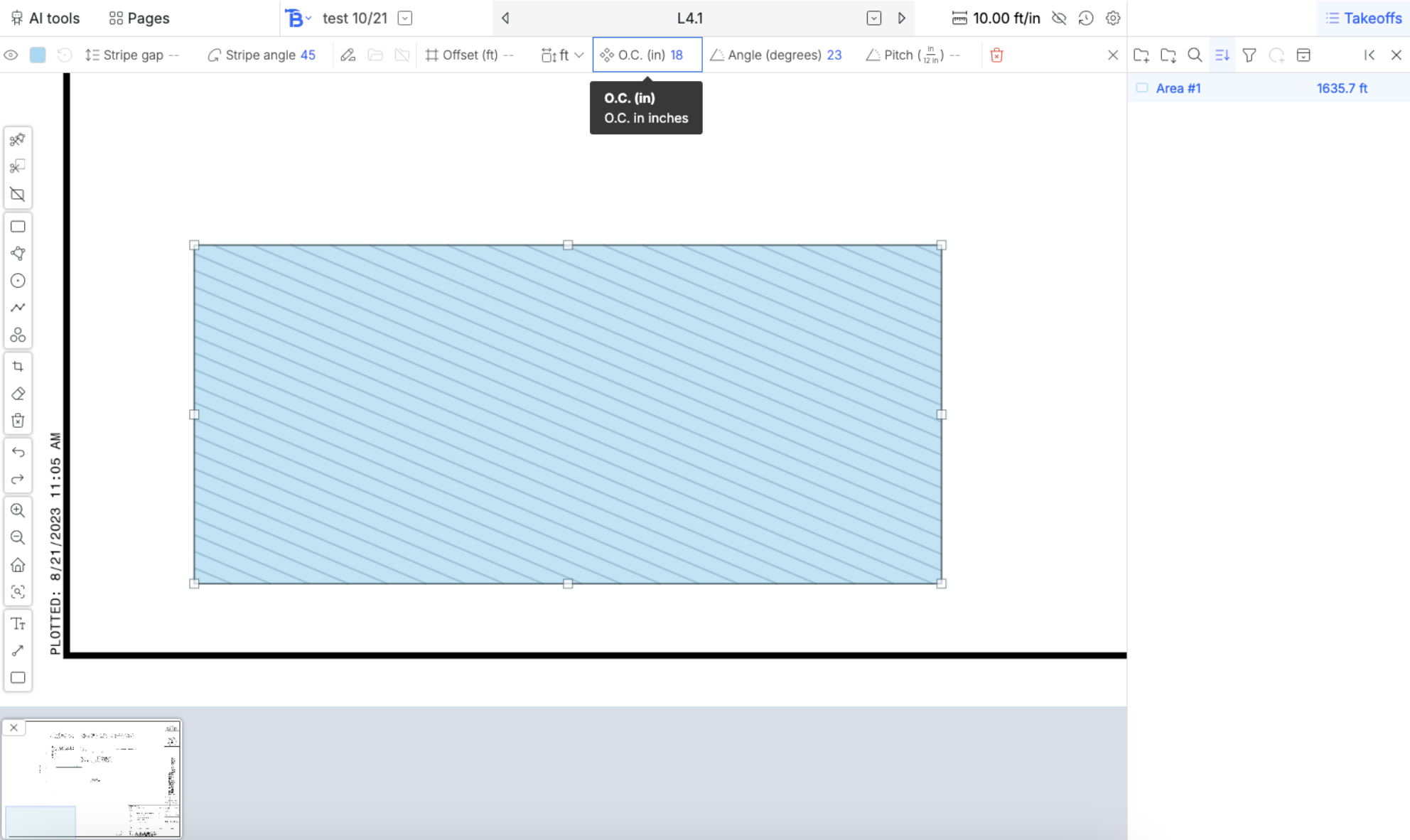
OC grids
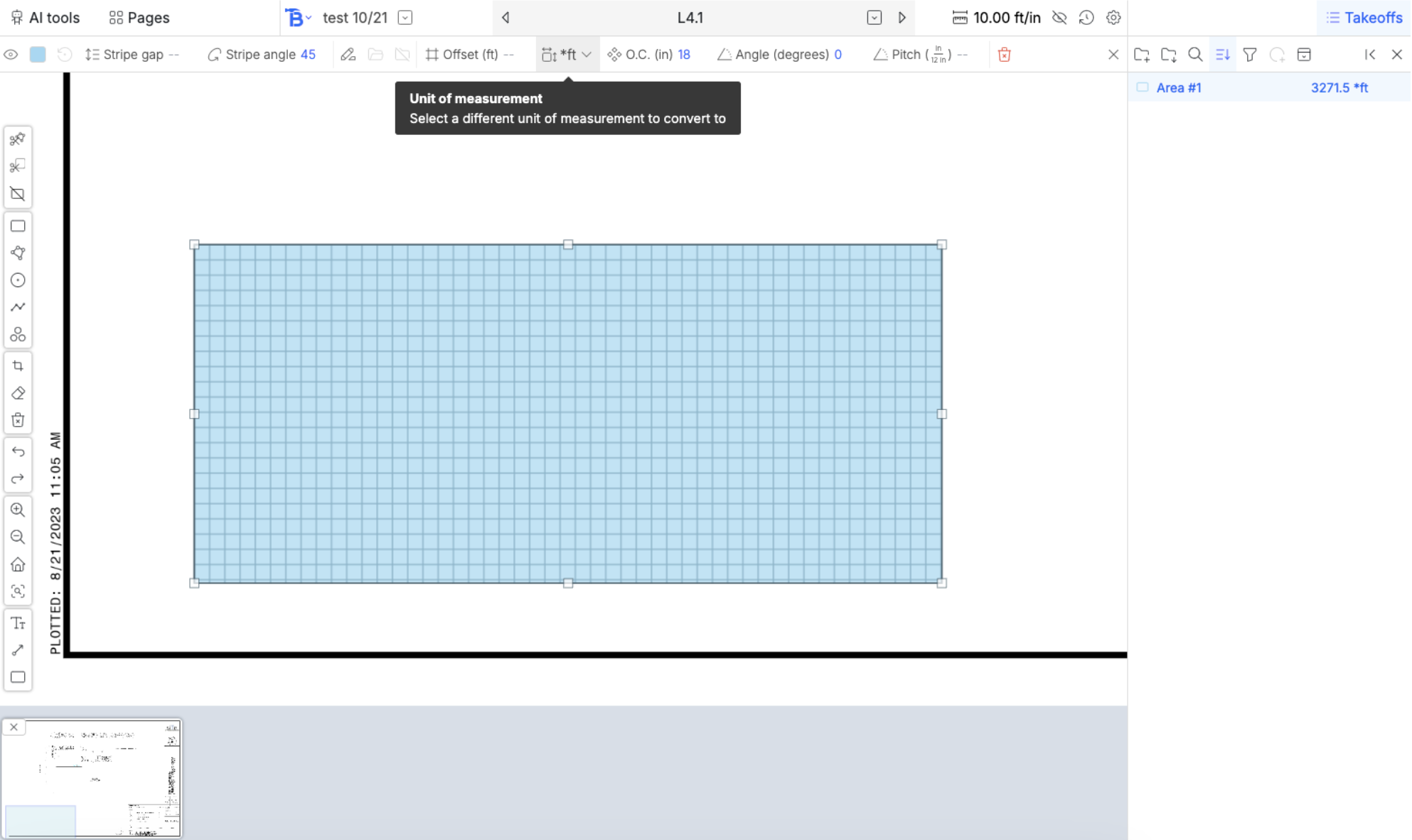
Converting an area to a *length results in grids